Parcourir les catégories
Français
$
USD
Connectez votre assistant IA à Fiverr



Your team already works in Microsoft 365, but important requests still get buried in Teams conversations, emails, and SharePoint folders. What happens when employees need quick answers or approvals and nobody is available to help? Work slows down. A well built AI assistant can make those everyday tasks easier.
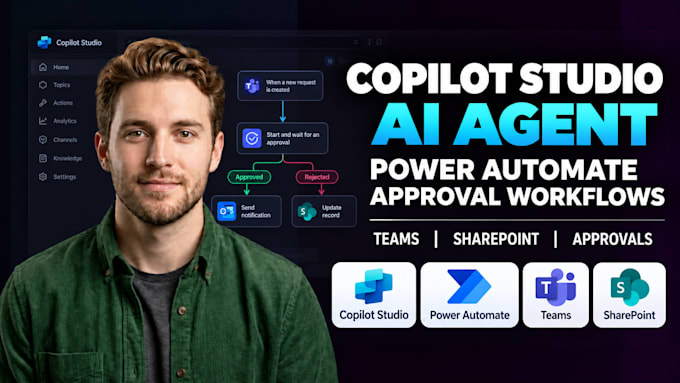
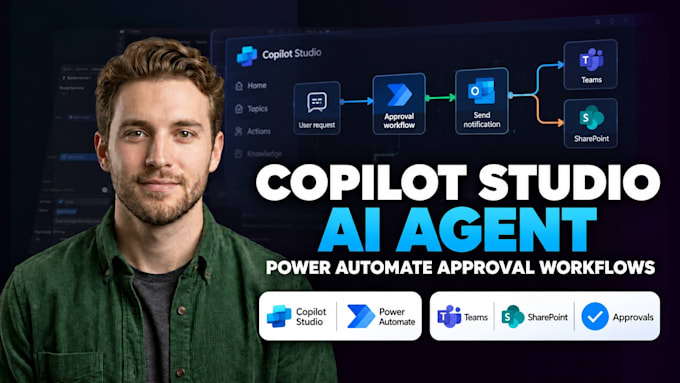
I will build a Microsoft Copilot Studio AI agent connected to your approved Microsoft 365 resources and Power Automate workflows. I will configure the agent around your actual business process, connect the agreed tools, set up approval actions or notifications where included, and test the workflow before handover. You will receive a working assistant, tested automations, and clear instructions for managing the setup. Internal access and deployment will follow your organization's available licensing and permissions.
What I will Help You With:
Let's make your Microsoft 365 workflow easier to manage.
Webflow Website Developer Webflow 3D Animation Webflow CRM Integration Expert
Langues
Can the agent answer questions from our private SharePoint files?
Yes. I will connect approved SharePoint files and test your questions. Microsoft sign-in and file permissions control access. I will verify settings and test restricted access before launch to help prevent unauthorized answers.
Can the agent trigger approvals and other Microsoft 365 tasks?
Yes. I can connect Power Automate flows for approvals, notifications, and record updates. We'll agree on each step and who can approve requests. I'll test accepted and rejected cases and show you how to check the flow afterward.
Do we need separate Microsoft licenses for this project?
Possibly. Copilot Studio, Power Automate, and premium connectors may have different licensing or usage charges. I'll review your existing Microsoft setup, confirm the features you need, and explain ongoing costs before development begins.
Will employees be able to use the agent inside Microsoft Teams?
Yes, if your organization permits it. I'll configure the Teams channel and test it with approved users under Microsoft authentication. An admin may need to approve publishing or app installation, so we'll check access before setup.
What if the AI agent gives a wrong answer or a workflow stops?
I'll test questions, approval paths, and failures before delivery. You'll get handover notes on reviewing flow runs and reporting problems. AI answers still need oversight, and future repairs or monitoring can be added separately.